
Every party photo,from every guest

Pin one QR card on the cake table. Friends and family scan to upload from any phone — no app, no signup. The morning after the party, every HD photo from every guest is in your album, ready to share with the birthday star.

0+ events served
4.9/5 user rating
98.5% satisfaction

Party-ready features

Everything a party album needs

Designed for the birthday star, the host, and a houseful of guests on different phones

QR card on the cake table

Guests scan with their camera and the album opens. Even Grandma and the kids — no app store, no passwords, no instructions needed.

Live party slideshow

Cast to a TV or laptop near the snacks. New photos appear within 2 seconds — guests see themselves on the screen and run back to take more.

Video birthday wishes

Friends and family record 60-second birthday messages. Watch them with the birthday star on the morning after — far better than a card.

HD originals to share

One click downloads every HD photo. Send a link to relatives who couldn’t make it. Print a few for the fridge or the photo book.

For multi-generational families

繁體中文, 简体中文, English. Auto-switches to each guest’s phone language. Grandparents abroad, cousins overseas — same QR card.

Private by default

Only the host downloads the full album. Guests see only their own uploads. Photos are never used for AI training.

Three steps

Set up your party album in 5 minutes

From signup to printed QR card on the cake table — fast

Create your party album
1

Create your party album

Pick a plan, name the party, choose a fun theme color. Get a unique QR code instantly.

2

Guests scan & upload

Pin one QR card by the cake or food table. Guests scan with the camera, enter a name, and upload all night.

3

Watch live, share after

Cast the slideshow to the TV during cake-cutting. The next morning, click download — every HD original is in your album.

May 12, 2026

Mia’s 7th Birthday

Welcome to Mia’s party! Please share the moments you captured.

42

Guests joined

188

Party photos

App preview

See SnapAlbum from every angle

Polished and simple — designed for every guest, in every moment

Guest experience

Just point camera
📱No app needed

Scan to join

Guests point their phone camera at the QR card and the album opens instantly

Host workflow

And the host sees everything in one place

Every guest photo and video lands in the host dashboard in real time — manage from iPad or phone

Free Canva templates

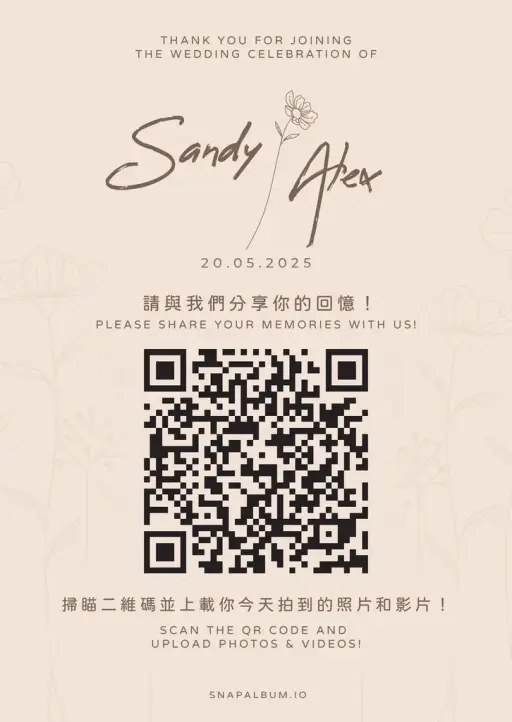
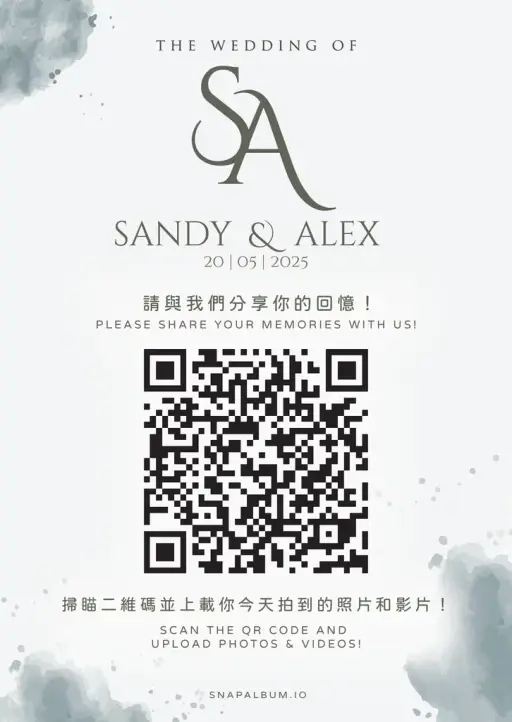
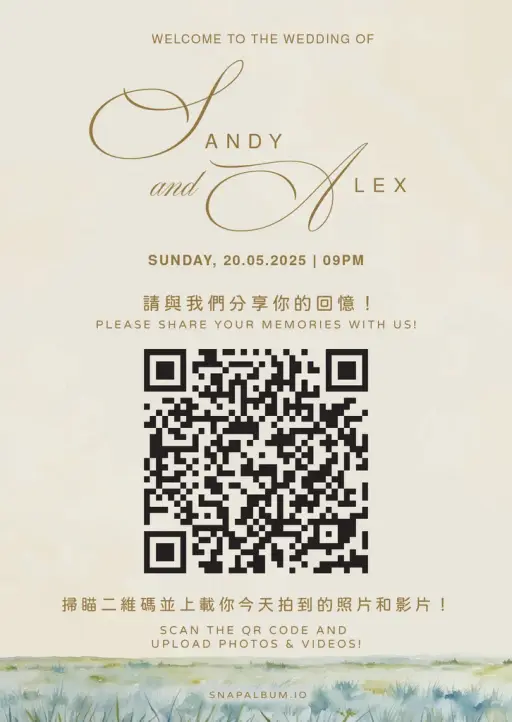
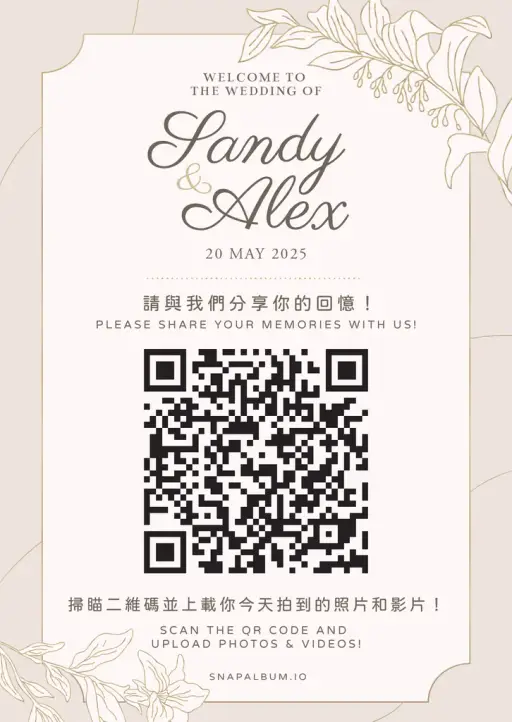
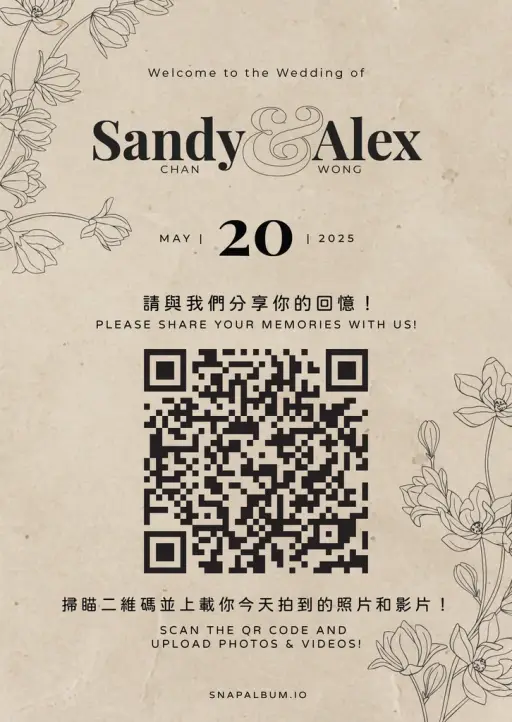
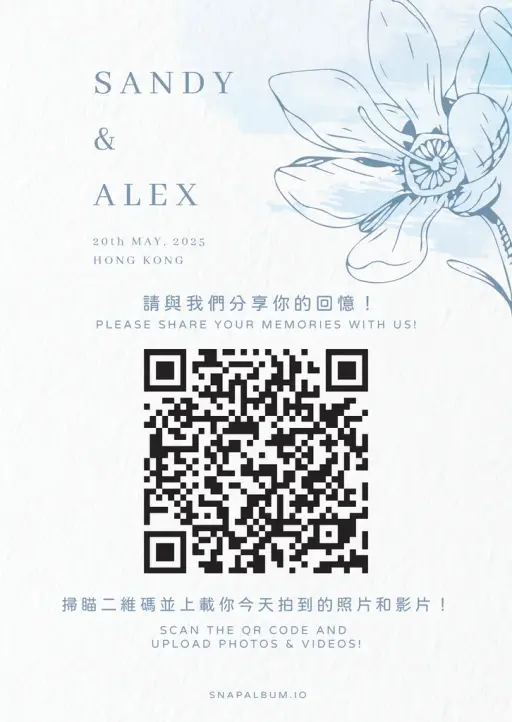
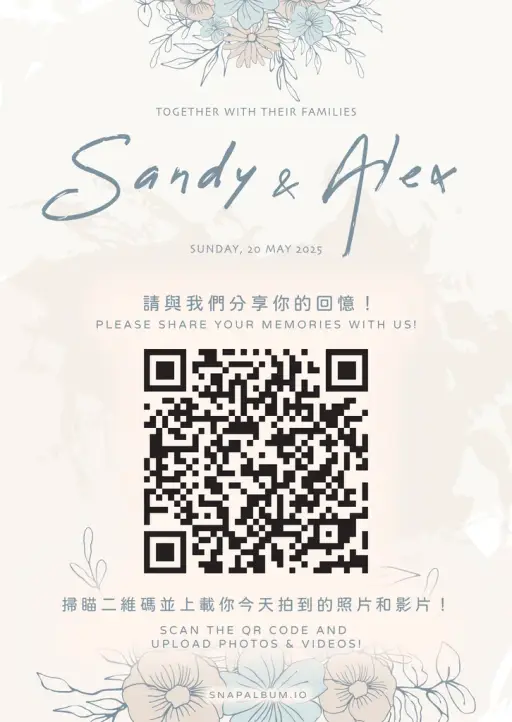
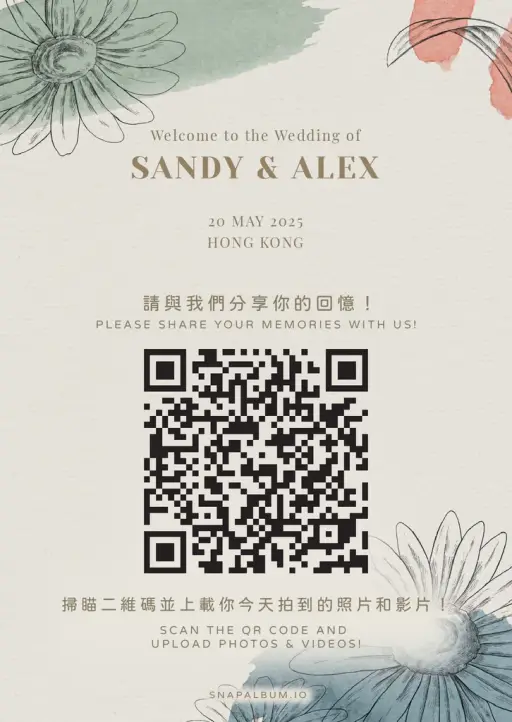
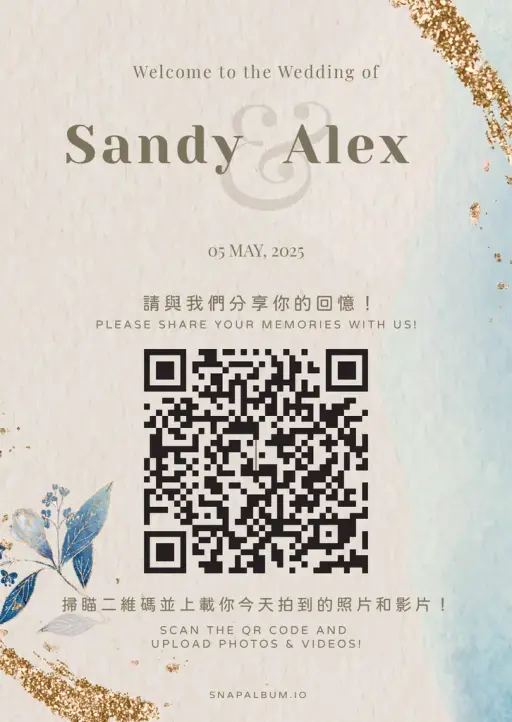
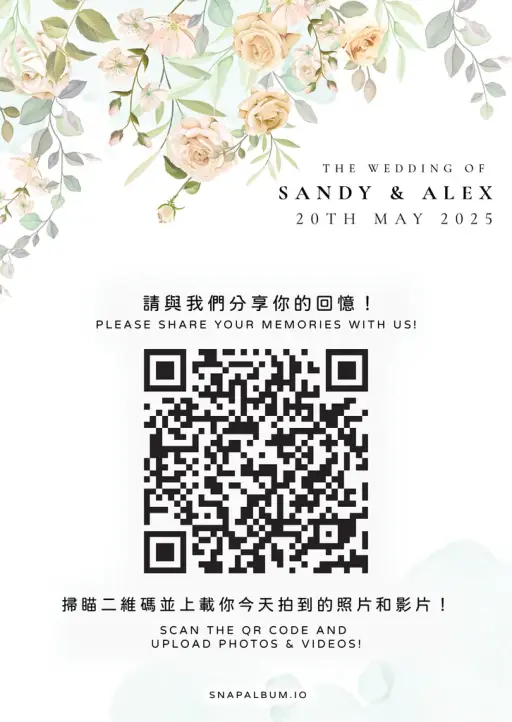
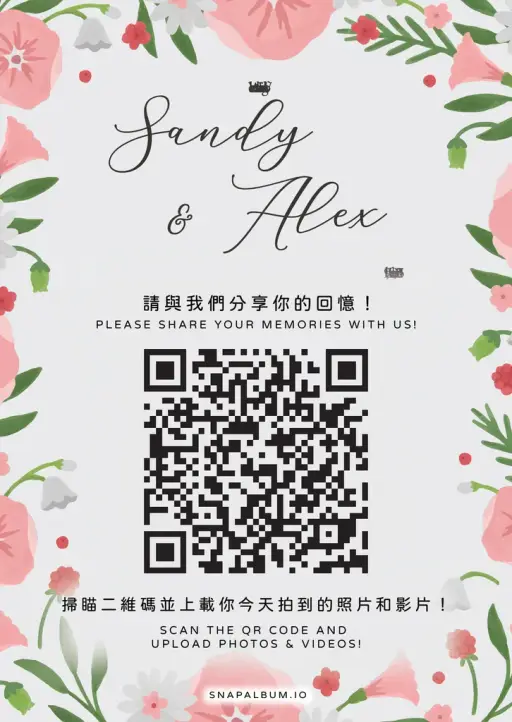
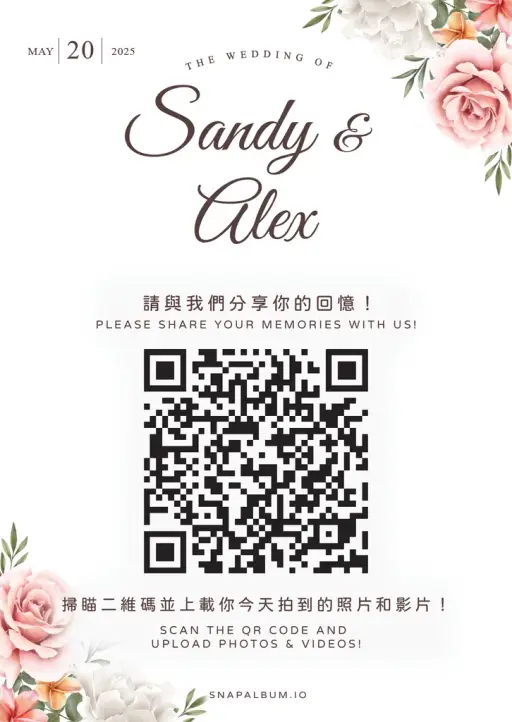
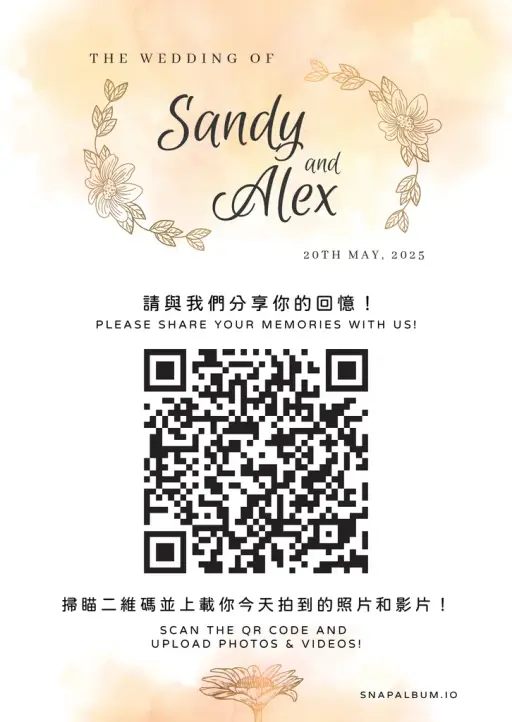
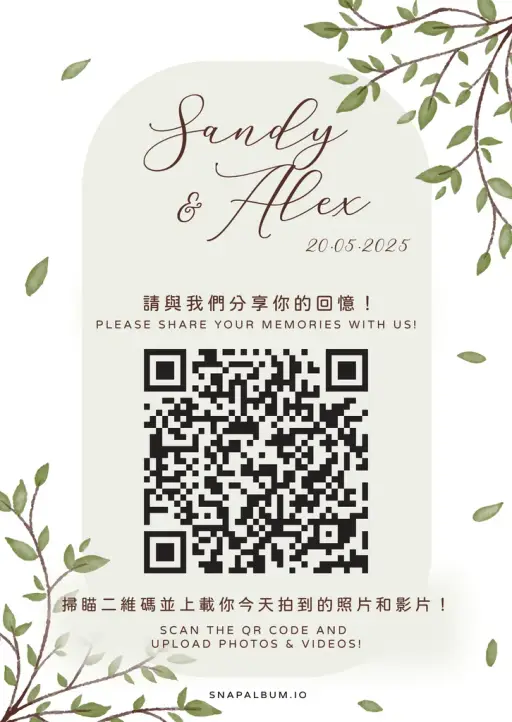
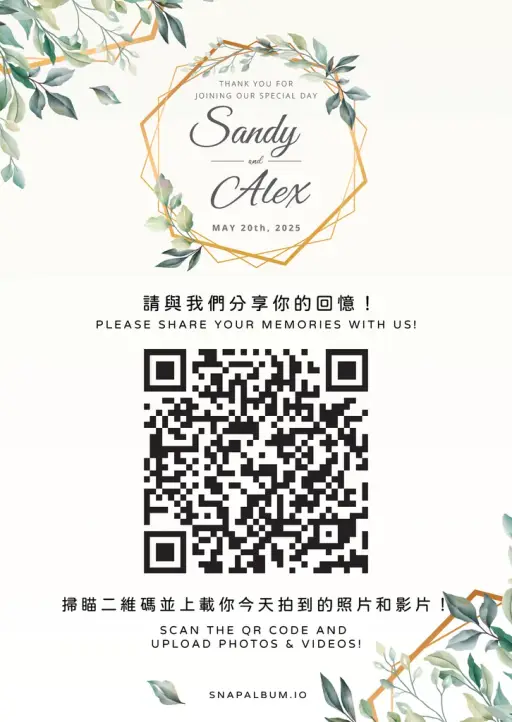
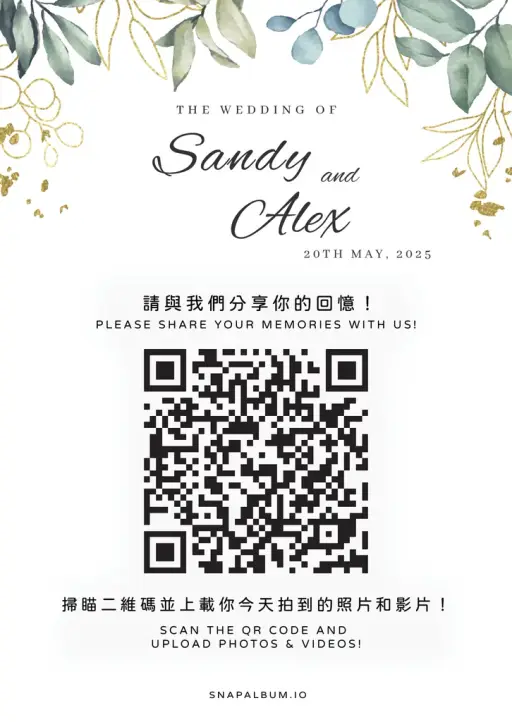
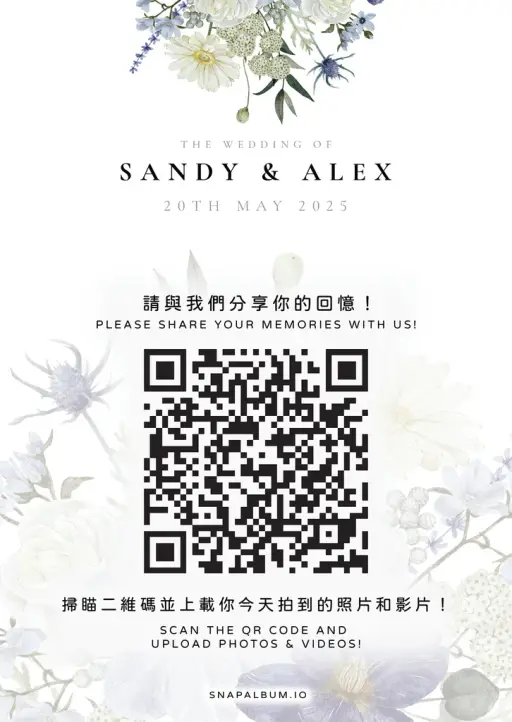
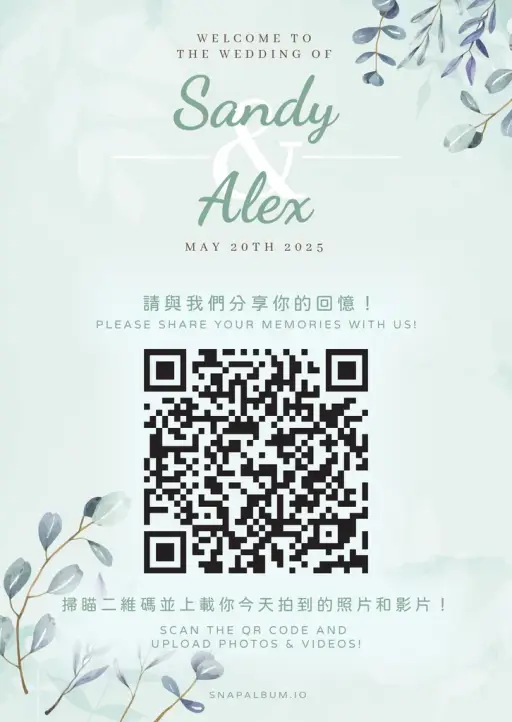
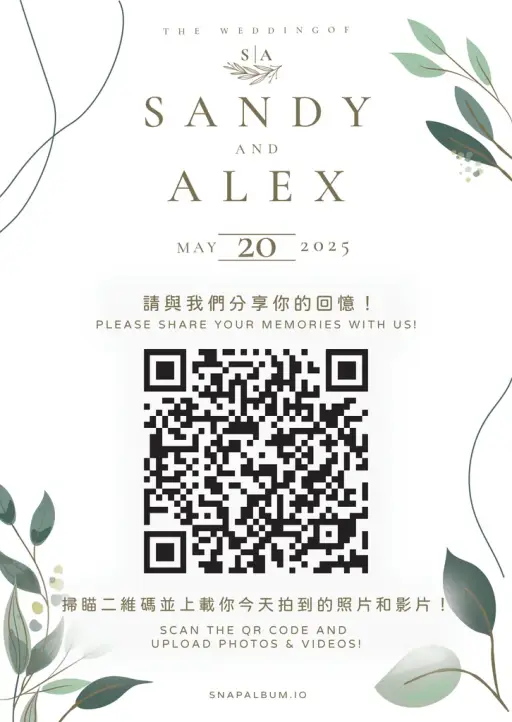
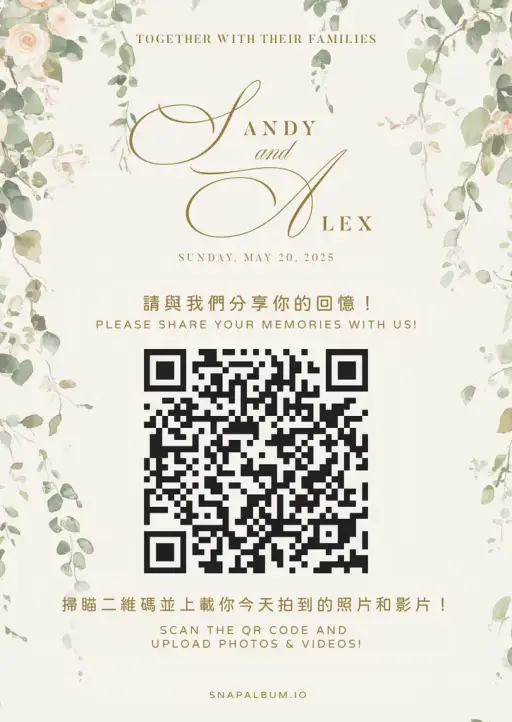
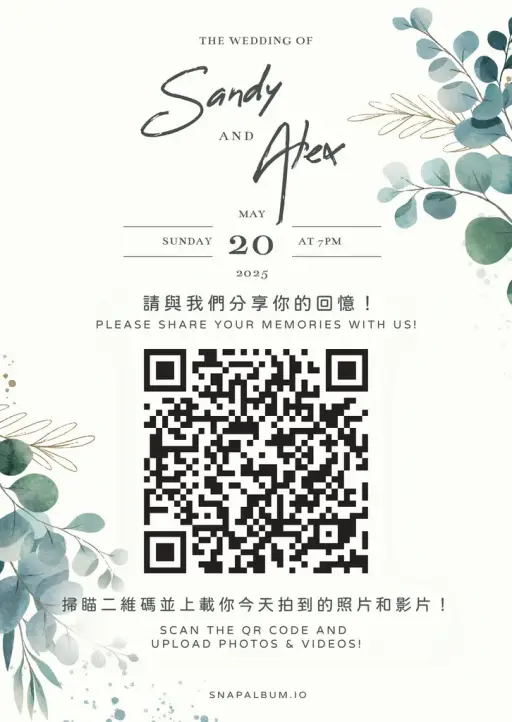
30 QR card designs you can customize

Elegant florals, modern minimalism, sunset palettes — open the template in Canva, swap in your event details, and print at home or your local print shop.

QR card design 1QR card design 2QR card design 3QR card design 4QR card design 5QR card design 6QR card design 7QR card design 8QR card design 9QR card design 10QR card design 11QR card design 12QR card design 13QR card design 14QR card design 15QR card design 16QR card design 17QR card design 18QR card design 19QR card design 20QR card design 21QR card design 22QR card design 23QR card design 24QR card design 25QR card design 26QR card design 27QR card design 28QR card design 29QR card design 30

What hosts say after the party

From kids’ parties to milestone birthdays to family gatherings

4.9

Average host rating

98.5%

Would use again

10,000+

Parties hosted

5.0
"My daughter’s 7th birthday — 188 photos from 42 guests. The kids loved running back to take more whenever they saw themselves on the TV."
Cindy

Cindy

Mom of two · 2 weeks ago

5.0
"For my dad’s 80th, even the aunties scanned the QR code. The next morning we had every group photo, every cake-cutting moment in HD."
Anita

Anita

Family birthday host · 1 month ago

5.0
"The video birthday wishes are the best part. We watched them with mum on her actual birthday morning — better than any card."
James

James

Surprise 60th party · 3 weeks ago

5.0
"Half the family was overseas. Everyone got the same link, every grandparent saw the photos the same day."
Marcus

Marcus

Anniversary party · 2 months ago

5.0
"Forget WhatsApp groups for parties. Pin one QR card to the cake table and the photos just appear in the album."
Patrick

Patrick

House-warming birthday · 1 week ago

5.0
"I made a mini photo book from the originals as a gift. Better than anything we could have planned."
Tiffany

Tiffany

Sweet 16 · 3 months ago

Party plans

Pick the plan that matches your guest count

One-time payment per party. No subscription, no auto-renewal.

Currency

Family / kids parties

Snap

USD$49/event
  • Up to 50 guests
  • 6 months storage
  • Unlimited photos
  • HD album download
Start Free
Most Popular

Most popular for milestones

Classic

USD$79/event
  • Up to 150 guests
  • 12 months storage
  • Live party slideshow
  • Photos and short video uploads
  • HD album download
Start Free

Big birthdays & multi-day parties

Premium

USD$99/event
  • Unlimited guests
  • 24 months storage
  • Live party slideshow
  • Video birthday wishes
  • HD album download
  • Custom theme color
Start Free

We bill directly in USD, HKD or TWD. Stripe charges your card in the currency shown on this page.

Newly launched

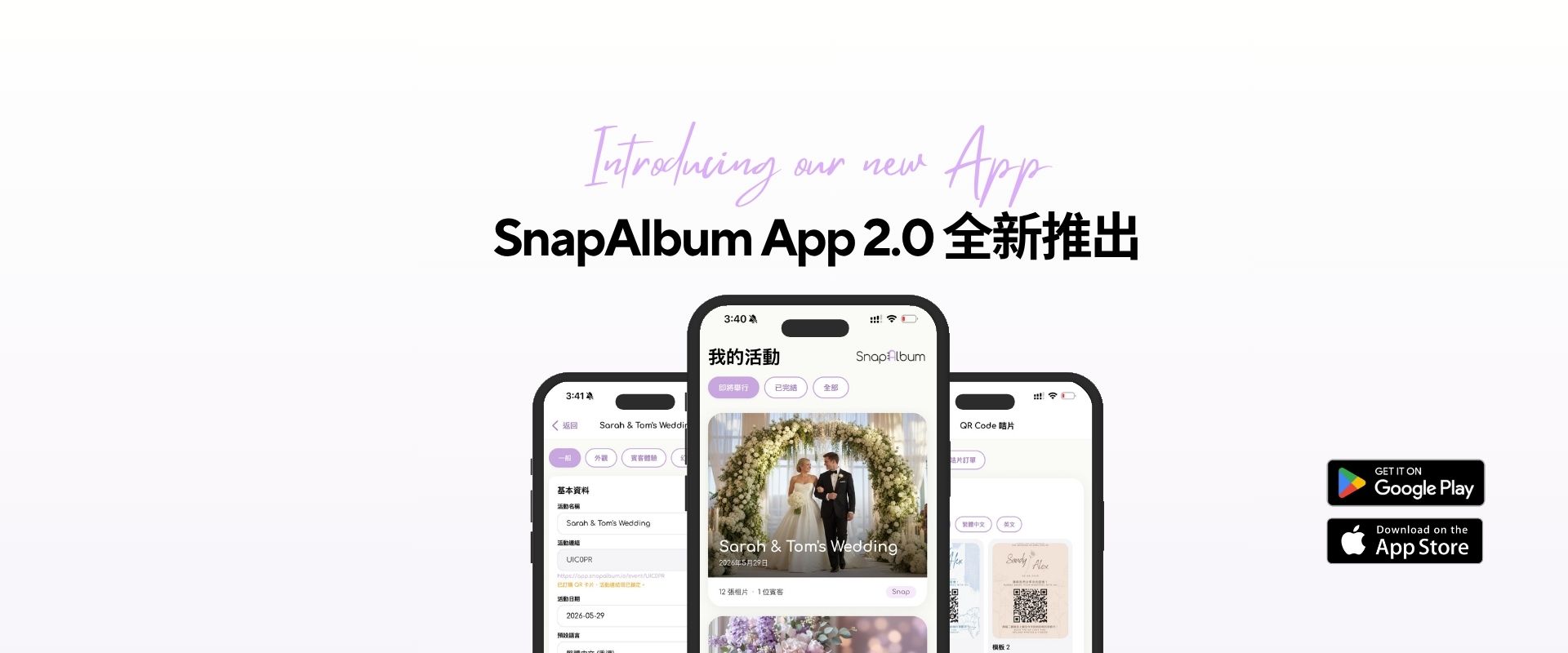
Introducing SnapAlbum App 1.0

From the couch, the train, or the morning after the event — your album, in your pocket

Introducing SnapAlbum App 1.0

SnapAlbum App

Flip through every photo from your phone, save the keepers to your camera roll, and pull up your favourite moments at the next family dinner.

  • Designed to feel like nothing — just photos
  • Save originals straight to your camera roll
  • Every event you've hosted, all in one place

Download on the

App Store

Birthday party photo sharing — answered

The questions hosts ask before the party

Ready to get started?

Create your own album right now

Ready to make your special moments unforgettable? Start with SnapAlbum today!

4.9/5 rating1000+ happy customers98.5% would recommend